Free 3D garden planner
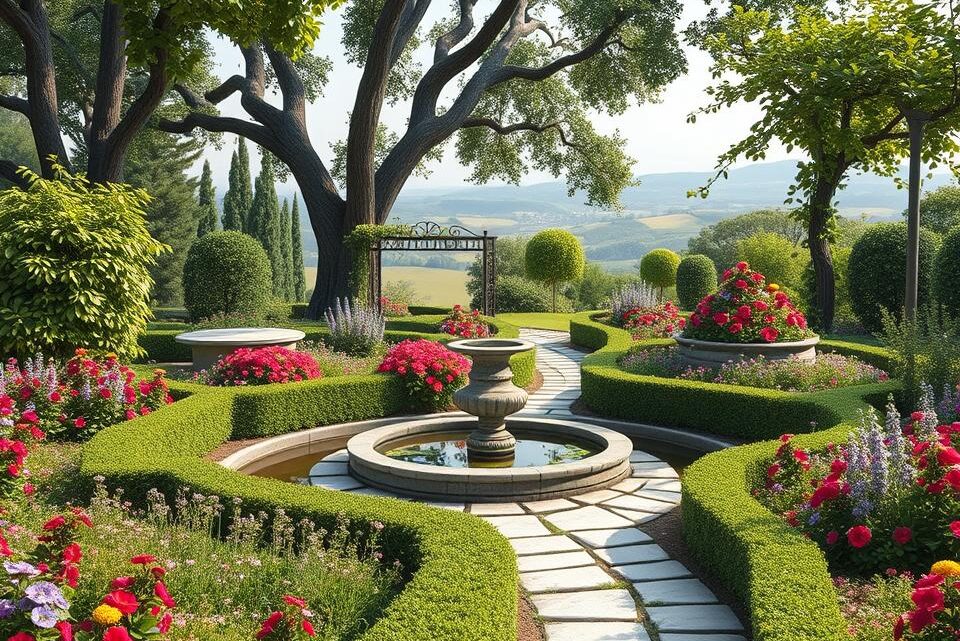
Designing your own garden can be an exciting experience, but it can also be daunting if you’re unsure about the best design for your outdoor space.
Fortunately, modern technology has made it easier to plan and visualise your ideal garden design using digital tools.
You can now create a beautiful landscape that complements your home without needing extensive design experience or technical knowledge.
With the help of digital planning tools, you can test different layouts, plant combinations, and design elements virtually, saving you time and money.
Inhaltsverzeichnis
Key Takeaways
- Discover how digital planning tools can help you visualise your ideal garden design.
- Learn how to create a cohesive landscape that complements your home’s architecture.
- Explore the benefits of using digital tools to test different garden layouts and design elements.
- Understand how modern garden planning software can help you overcome common design challenges.
- Find out how to create a beautiful outdoor space that reflects your personal style.
Understanding 3D Garden Planners and Their Benefits
When it comes to designing your dream garden, understanding the tools at your disposal is crucial. A 3D garden planner is a sophisticated design tool that allows you to create a virtual representation of your outdoor space.
What Is a 3D Garden Planner?
A 3D garden planner is an interactive software tool that enables users to design their gardens with realistic dimensions and features. This digital tool offers dynamic visualisation capabilities, allowing you to view your design from multiple angles and make instant modifications.
Why Use Digital Tools for Garden Design
Using digital tools for garden design eliminates guesswork by providing accurate spatial awareness and scale representation. These tools are cost-effective compared to hiring professional landscape designers or making expensive mistakes during implementation. They also cater to different levels of design experience, from beginners to seasoned gardeners.
| Benefits | Description |
|---|---|
| Time and Cost Efficiency | Save time and money through efficient planning |
| Visualisation | Visualise plants, furniture, and other items in different spaces |
| Experimentation | Test different ideas, finishes, materials, and colours |
Top Free 3D Garden Planners Available Today
Discover the top free 3D garden planners that can help you create your dream garden. With so many options available, it can be challenging to choose the right one. Here, we’ll explore three popular free garden planners that can help you bring your garden design ideas to life.
Planner 5D
Planner 5D is a comprehensive free garden design tool that offers an intuitive drag-and-drop interface and thousands of garden elements to choose from. You can create a 2D or 3D design, making it easier to visualise your garden layout.
SmartDraw
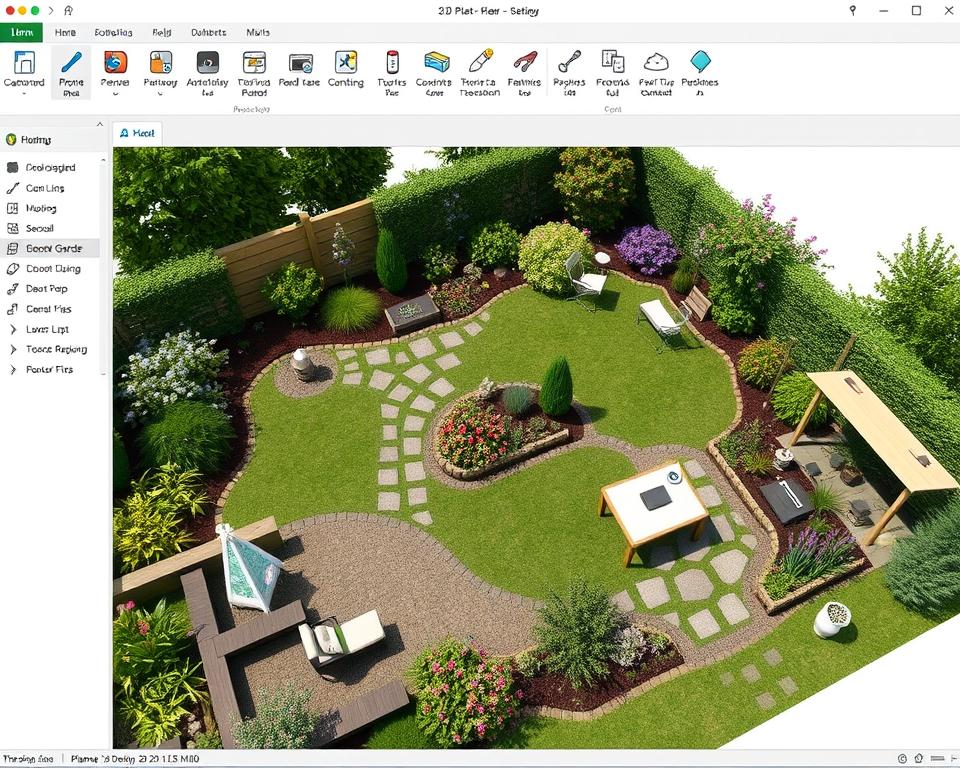
SmartDraw is a popular free software for computer-based garden landscape design. It features various templates to get you started, including a patio garden plan. The scale of your garden layout can be changed at any time, allowing for greater accuracy.
Gardena myGarden
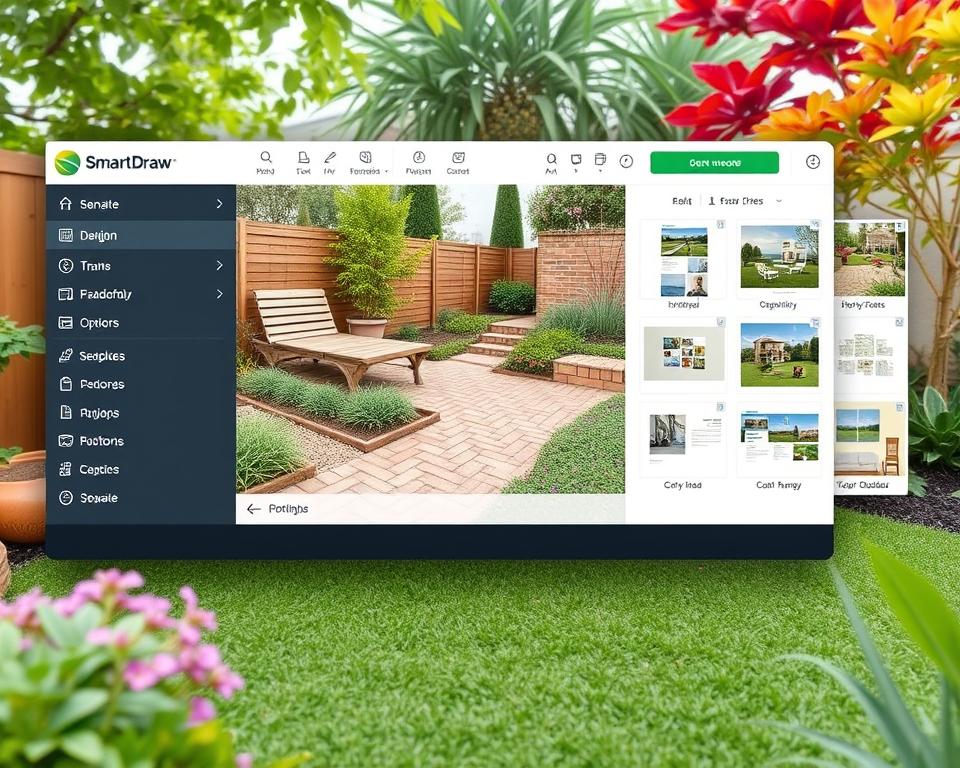
Gardena myGarden is a completely free web app that allows you to design a garden from scratch using accurate dimensions. You can choose your plot type and drag-and-drop elements like decking, plant pots, and vegetable patches.
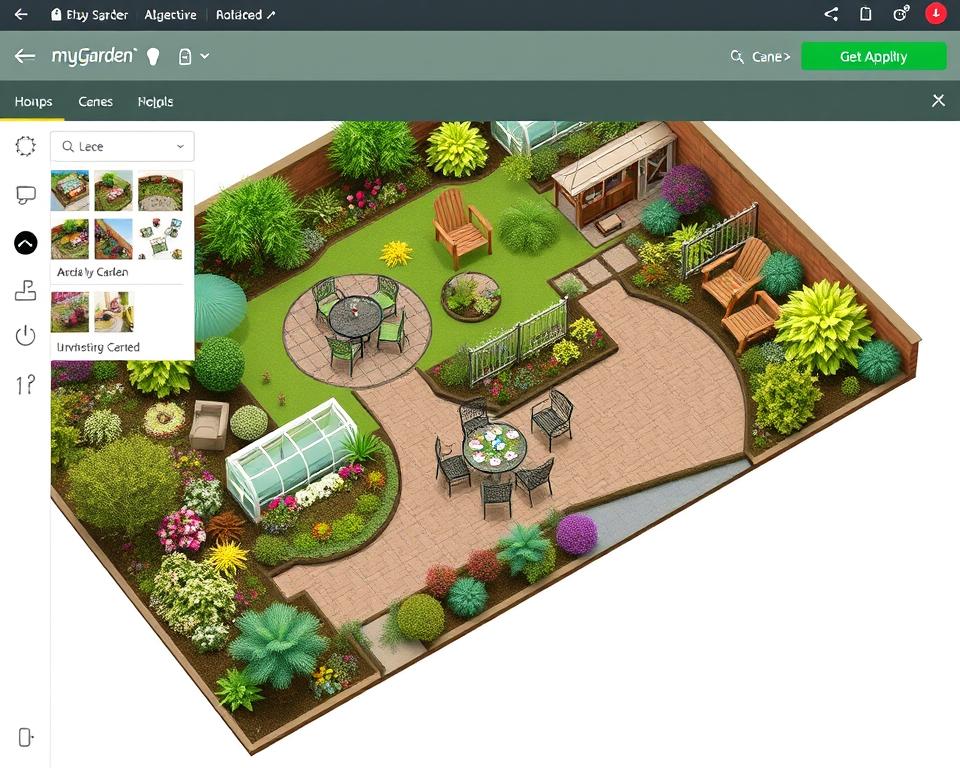
Each of these garden planners offers unique features and benefits. By comparing their user interfaces, customization capabilities, and compatibility, you can choose the most suitable option for your needs.
Essential Features of a Free 3D Garden Planner
Understanding the key features of a free 3D garden planner is crucial for achieving your garden goals. A comprehensive garden design tool should offer a range of functionalities to help you create a beautiful and functional outdoor space.
Drag-and-Drop Functionality
A user-friendly drag-and-drop interface allows you to easily place and rearrange garden elements without needing technical drawing skills. This feature enables you to experiment with different design options and layouts until you find the perfect arrangement for your garden.
Plant and Object Libraries
Comprehensive plant and object libraries provide access to thousands of pre-designed elements, including trees, shrubs, furniture, and decorative features. You can browse through these libraries to select the perfect elements for your garden design.
2D to 3D Conversion Capabilities
The ability to switch between 2D and 3D views is a valuable feature that allows you to visualize your garden design in different ways. With a single click, you can convert your 2D plan into a realistic 3D visualization, helping you to better understand how your garden will look in real life.
| Feature | Description | Benefit |
|---|---|---|
| Drag-and-Drop | Easy placement and rearrangement of garden elements | Simplifies garden design |
| Plant and Object Libraries | Access to thousands of pre-designed elements | Enhances garden design options |
| 2D to 3D Conversion | Switch between 2D and 3D views | Improves visualization of garden design |
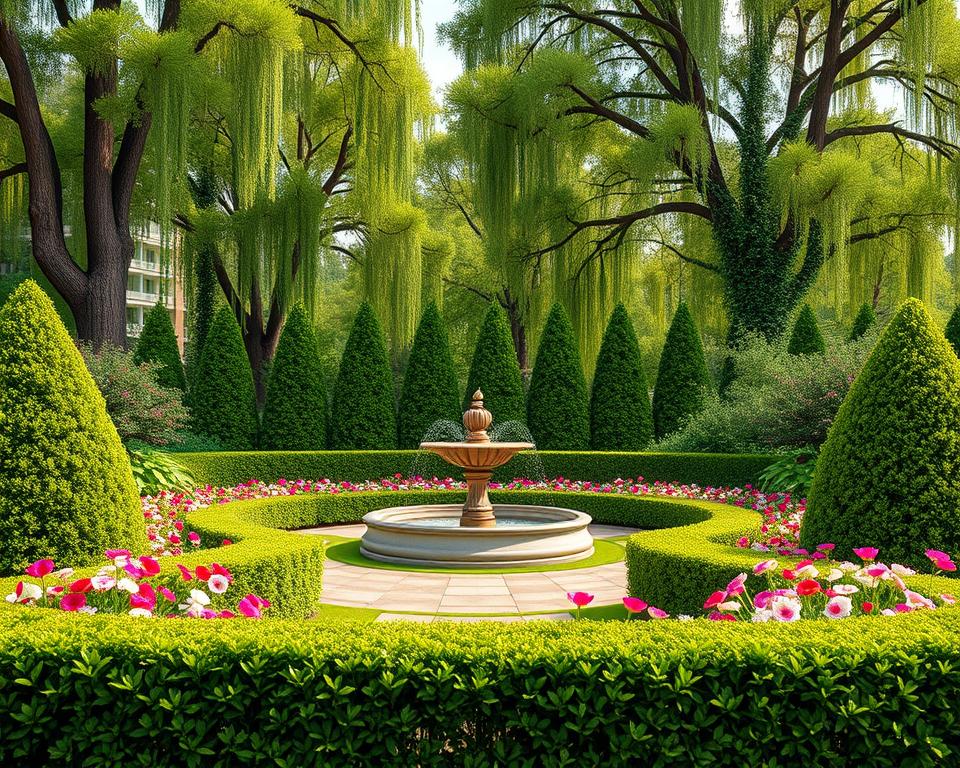
How to Get Started with Your Free 3D Garden Planner
Getting started with your free 3D garden planner is the first step towards bringing your garden dreams to life. To begin, you’ll need to understand the fundamental steps involved in creating your garden design.
Measuring Your Garden Space
Accurate measurements are crucial for a realistic garden plan. Measure your garden space carefully, taking note of any irregular shapes or sloped terrain. Use these measurements to input your garden’s dimensions into your chosen 3D planner, ensuring the correct scale for an accurate representation.
Setting Up Your Basic Layout
Establish the basic layout of your garden by defining its boundaries, existing structures, and permanent features. This foundational step helps you visualize your garden’s potential and plan accordingly.
Creating Your First Design
Start creating your first design by placing larger elements like lawns and patios, followed by detailed features. Consider practical factors such as access points and existing vegetation to create a functional and beautiful garden.
| Design Element | Description | Considerations |
|---|---|---|
| Lawns | Open grass areas | Sunlight, drainage |
| Patios | Paved outdoor spaces | Material, furniture |
| Pathways | Routes through the garden | Material, accessibility |
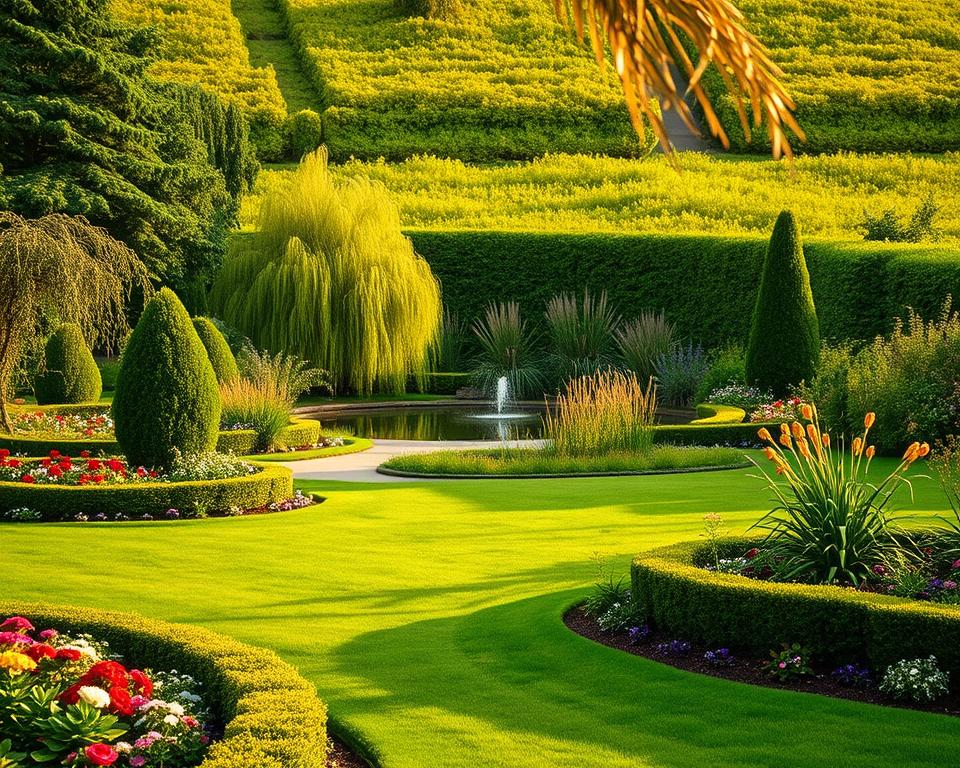
By following these steps and utilizing your free 3D garden planner effectively, you can create a stunning garden that meets your needs and preferences.
Step-by-Step Guide to Creating a 3D Garden Design
To create a stunning 3D garden design, follow these simple steps and unleash your creativity. With a free 3D garden planner, you can bring your garden ideas to life in a virtual environment.
Creating the Terrain and Boundaries
Start by creating the terrain using shape elements and define the boundaries by adding fences, hedges, or walls. This step is crucial in establishing the usable space in your garden design.
Adding Plants, Trees and Garden Elements
Next, drop in plants, trees, and bushes from the model library and adjust their scale and color to suit your design. Choose plants based on their growth habits, sunlight requirements, and visual appeal to create a balanced composition.
Incorporating Garden Furniture and Features
Finally, add garden furniture such as seating areas and dining spaces, and incorporate features like fire pits and water elements. This will enhance the functionality and aesthetic appeal of your garden design.
| Step | Description |
|---|---|
| 1 | Create terrain and boundaries |
| 2 | Add plants, trees, and garden elements |
| 3 | Incorporate garden furniture and features |
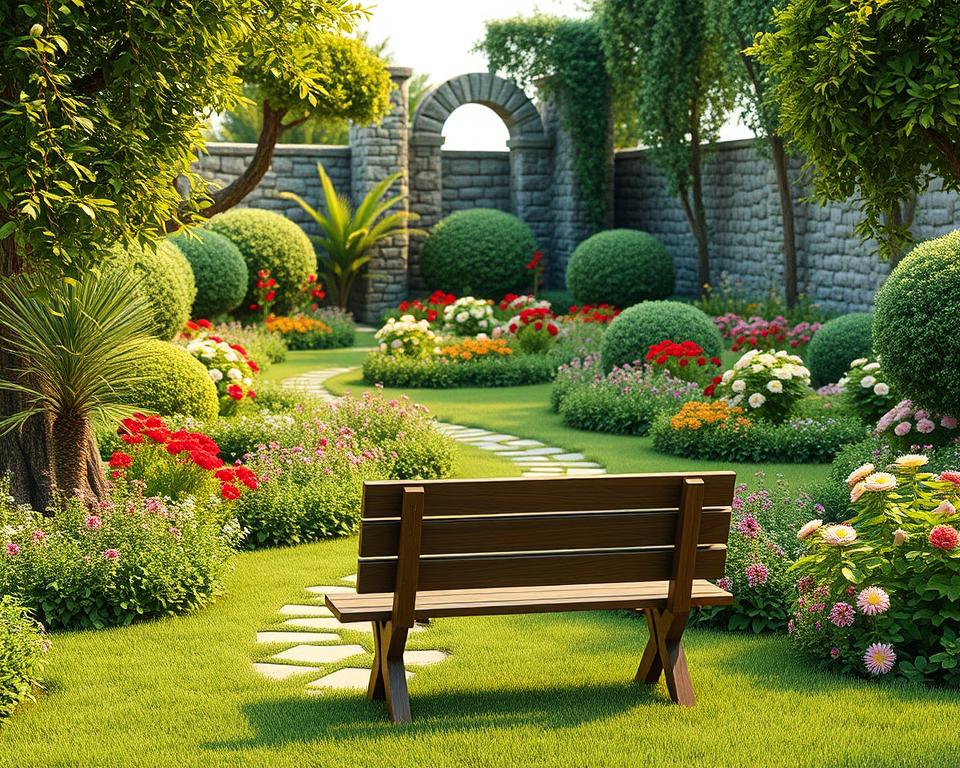
Maximising Space and Sunlight in Your Garden Design
Effective garden design involves strategic planning to maximise space utilisation and sunlight exposure. By doing so, you can create a beautiful and functional outdoor area that enhances your home’s aesthetic appeal.
Optimising Space Utilisation
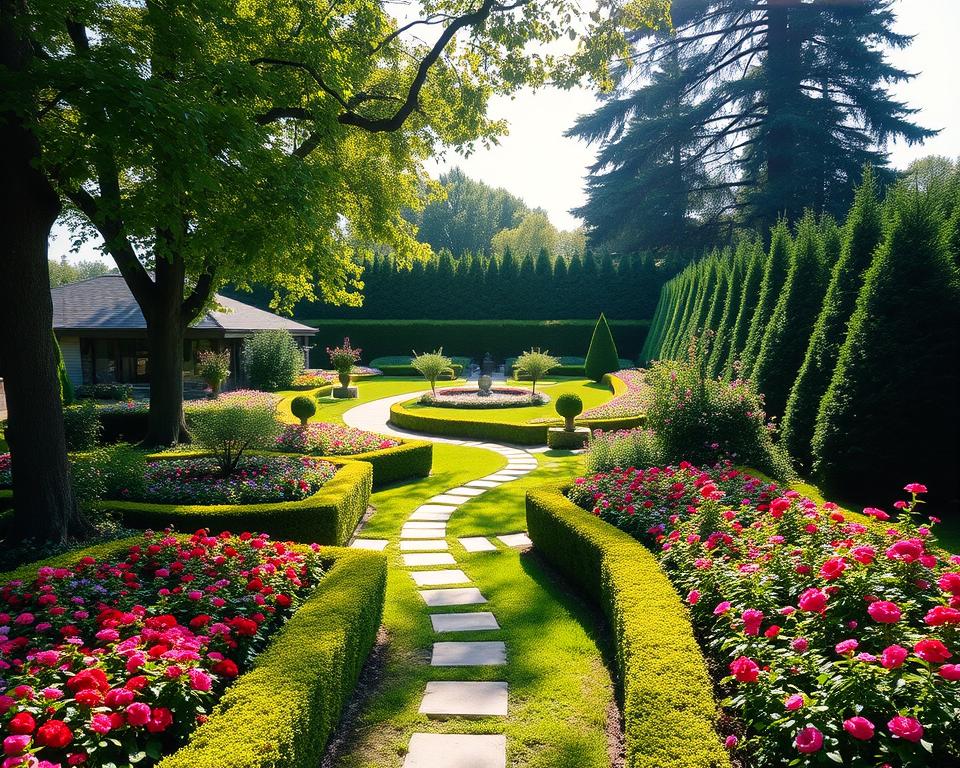
To optimise space in your garden, consider using vertical gardening techniques and multi-functional features. This approach allows you to make the most of your available space by allocating areas for different activities, such as lawns, flower beds, and seating areas.
- Utilise vertical space with trellises or wall-mounted planters.
- Incorporate multi-functional furniture that serves more than one purpose.
- Strategically zone different garden activities to ensure a harmonious flow.
| Space-Saving Technique | Description | Benefit |
|---|---|---|
| Vertical Gardening | Growing plants upwards using trellises or wall-mounted systems. | Maximises space, adds visual interest. |
| Multi-functional Furniture | Furniture that serves more than one purpose, such as storage benches. | Reduces clutter, enhances functionality. |
| Strategic Zoning | Dividing the garden into areas for different activities. | Improves flow, enhances usability. |
Planning for Seasonal Sunlight Changes
Proper sunlight management is crucial for plant growth and creating comfortable outdoor spaces. Using a 3D garden planner, you can simulate sunlight and shade to optimise your garden’s layout for different seasons.
- Position sun-loving plants in areas that receive adequate sunlight.
- Use shade-tolerant plants in areas with less direct sunlight.
- Create microclimates by strategically placing structures and trees to affect light and temperature.
By considering seasonal changes and using the right plants, you can create a garden that remains interesting throughout the year. This involves selecting plants with varied blooming periods and foliage colors, as well as incorporating structural elements that remain attractive in all seasons.
Advanced Tips for Using Your Free 3D Garden Planner
To take your garden design to the next level, consider exploring advanced features in your free 3D garden planner. These tools can help you refine your design and create a truly unique outdoor space.
Creating Multiple Design Versions
Creating multiple design versions allows you to explore different garden styles, plant combinations, and layout options before making final decisions. This feature enables you to compare and contrast various designs, ensuring that you choose the best possible layout for your garden.
Using the Virtual Walkthrough Feature
The virtual walkthrough feature lets you experience your garden design from a human perspective, assessing sight lines, privacy, and the overall feel of the space. As Arcadium’s first-person view allows you to “walk around your new garden design as if you were there in person,” you can make informed decisions about your garden’s layout.
Exporting and Sharing Your Designs
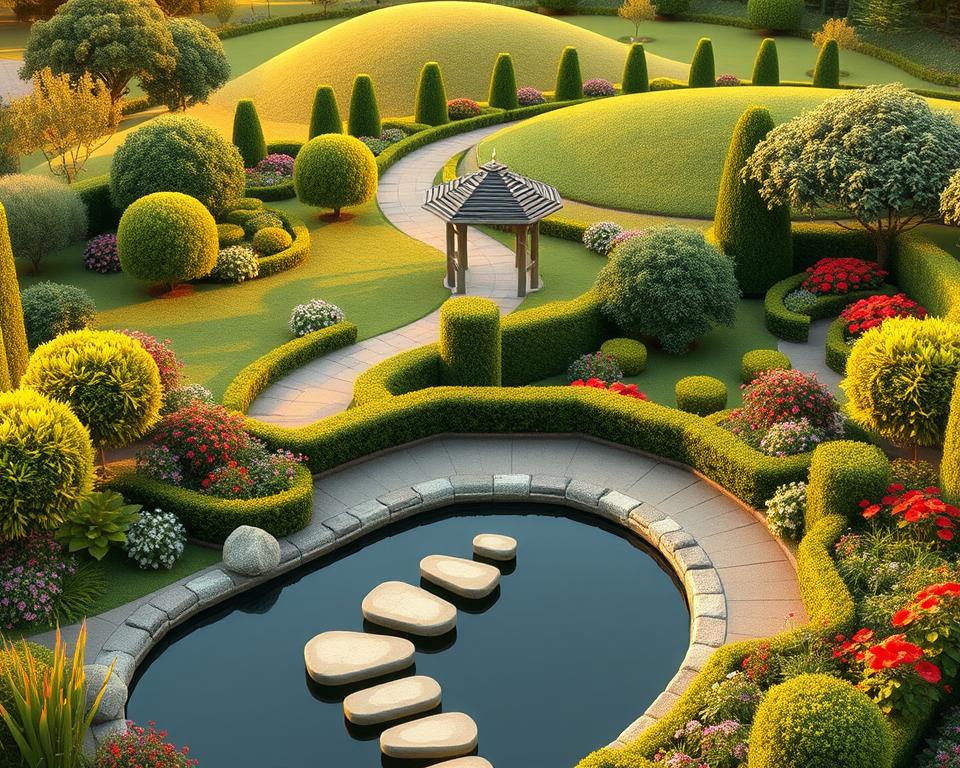
Exporting and sharing your garden plans in various formats, including 2D plans, 3D renderings, plant lists, and construction documents, is crucial for collaborating with stakeholders, clients, and contractors. You can create printable documents and PDF plans to share with others, ensuring that your design is accurately implemented.
By leveraging these advanced features, you can maximise your garden’s potential and create a beautiful outdoor space that meets your needs and reflects your personal style.
From Virtual to Reality: Implementing Your Garden Design
Bringing your garden design to life requires careful planning and execution. You have successfully created a digital representation of your garden; now it’s time to turn that vision into a tangible reality.
Creating a Practical Implementation Plan
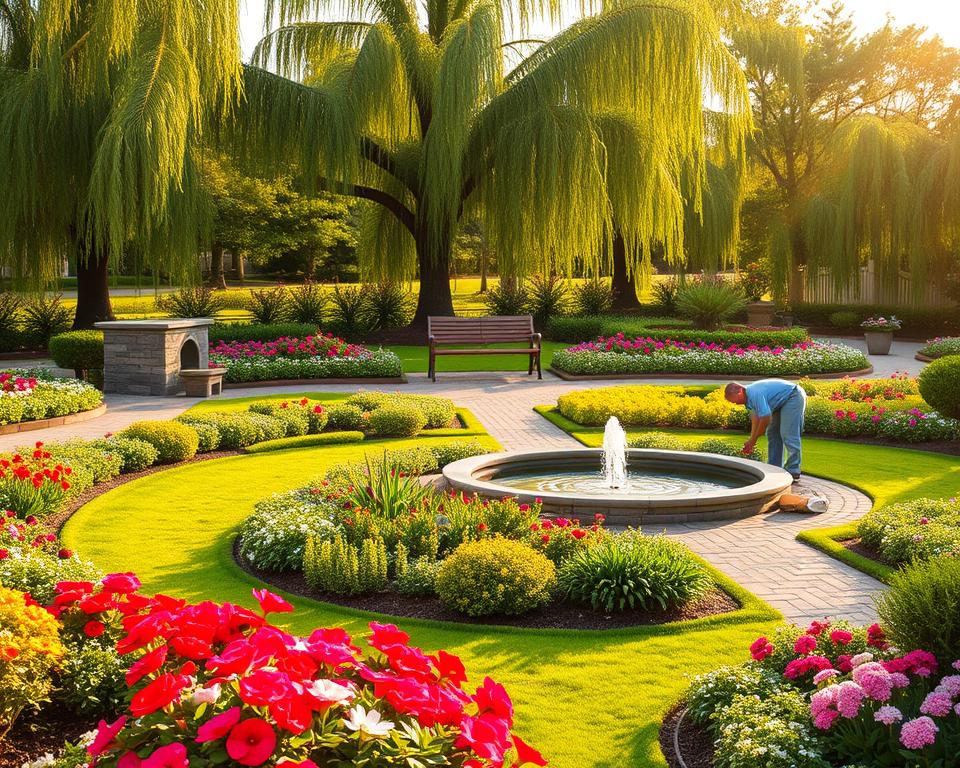
To start, you need to develop a practical plan. Break down your project into manageable phases, prioritizing tasks based on importance and urgency. This structured approach will help you stay on track and ensure that your garden design is implemented effectively.
Sourcing Materials and Plants
Sourcing the right materials and plants is crucial. Visit local nurseries, garden centers, and online suppliers to find the best options for your project. At Minster Paving, you can find a wide range of high-quality garden items, from natural stone paving to artificial grass and garden features.
| Task | Priority | Timeline |
|---|---|---|
| Soil Preparation | High | Week 1-2 |
| Planting | Medium | Week 3-4 |
| Installing Garden Features | Low | Week 5-6 |
By following this structured plan and sourcing the right materials, you can bring your garden design to life and enjoy a beautiful outdoor space for years to come.
Conclusion
Using a free 3D garden planner is an effective way to visualize and create your ideal outdoor space. These digital tools democratize garden design, making professional-quality planning accessible to all users. By experimenting with different design options and plant combinations, you can discover your personal garden style. This virtual planning process saves time and money, allowing you to create a beautiful landscape that enhances your home and lifestyle.
Garden design is an ongoing process that evolves over time as plants grow and your preferences change. The ultimate goal is to create outdoor spaces that bring joy, functionality, and natural beauty to your everyday life. Join online gardening communities to share your designs, get feedback, and continue learning about landscape design principles.
FAQ
What is the best way to measure my garden space for a design?
To measure your garden space accurately, start by determining the length and width of your garden. You can use a tape measure or a laser distance measurer to get precise measurements. Consider the shape of your garden, including any irregularities or obstacles, and take note of the location of features like trees, slopes, and existing paths.
Can I use a digital tool to design a garden with a sloping terrain?
Yes, many digital tools, including some garden design apps, allow you to create a design with a sloping terrain. You can use the tool’s terrain editing features to adjust the slope and elevation of your garden, creating a more realistic representation of your outdoor space.
How do I choose the right plants for my garden design?
When selecting plants for your garden design, consider factors like climate, soil type, and the amount of sunlight your garden receives. You can use a plant library within your design tool to browse and select plants that are suitable for your conditions. Additionally, think about the mature size of the plants, their growth habits, and any maintenance requirements.
Can I share my garden design with a contractor or landscaper?
Yes, most digital design tools allow you to export your design in a format that can be shared with others, such as a PDF or image file. You can also use the tool’s sharing features to send your design directly to contractors or landscapers, making it easier to bring your design to life.
How can I ensure that my garden design maximises sunlight?
To maximise sunlight in your garden design, consider the orientation of your garden and the location of any shading elements, like trees or neighbouring buildings. You can use a digital tool to simulate the sun’s movement and adjust your design accordingly, ensuring that your garden receives the most sunlight possible.
What are some common mistakes to avoid when designing a garden?
Common mistakes to avoid when designing a garden include not considering the mature size of plants, not leaving enough space for maintenance, and not taking into account the local climate and soil conditions. You can avoid these mistakes by using a digital design tool to create a realistic and detailed design, and by seeking advice from gardening experts if needed.